

If you have forgotten or lost your password, there is no need to panic. The process is straightforward. Just follow these steps:
- Go to https://app.bronid.com/ and click Forgot your password? below the login form.
- Enter the email address you used to create your bronID Portal account and click Send reset link.
- bronID will send an email to this address containing a password reset link. Click the link and enter a new password.
- You can now use your new password to log into your bronID Portal account.
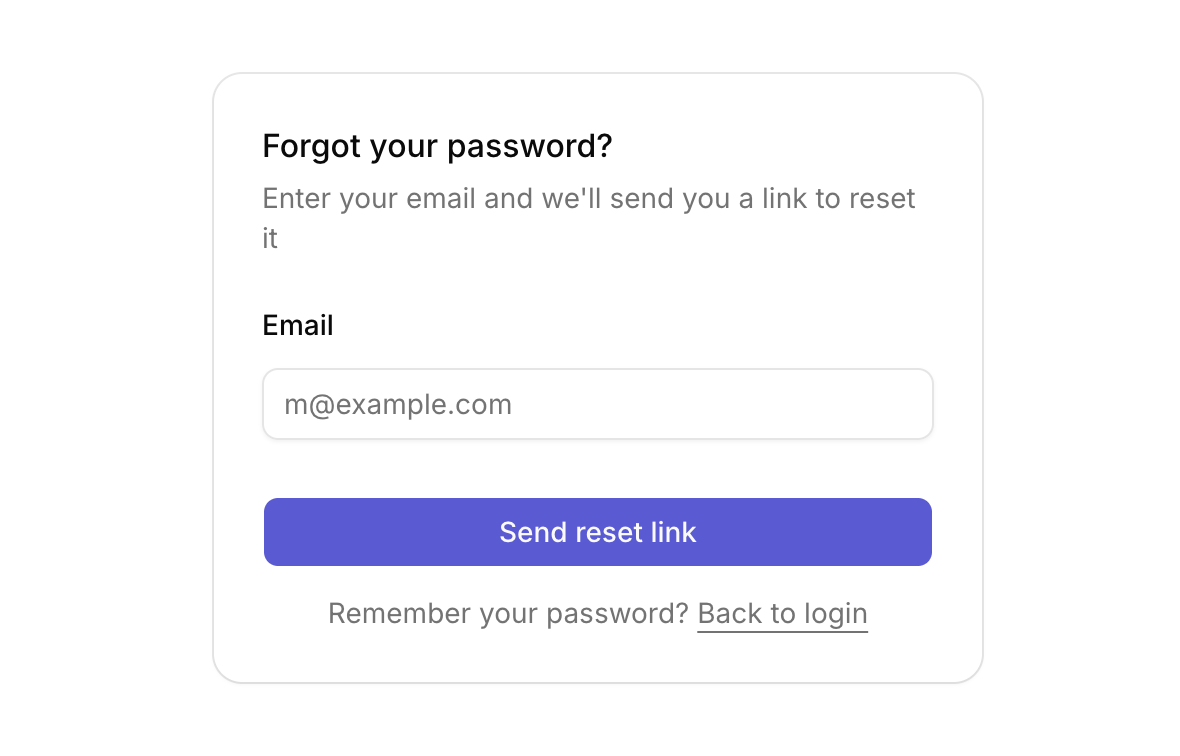
Please note that the reset link will only be sent to the email address registered to your bronID Portal account. If you do not receive the email within a few minutes, check your spam folder or contact support@bronid.com.


